🎨
Canva (DIY)
Time per thumbnail10 min
Monthly (12 videos)2 hrs/mo
Yearly time spent24 hrs/yr
True cost/year$600-$2,400/yr
Design qualityTemplate-based
Based on creator hourly value of $25-$100
Every creator asks: “Should I design YouTube thumbnails in Canva or Photoshop?” The real answer? Serious creators outsource thumbnails instead. Here's why — with real data.
Canva is fast. Photoshop is powerful. But neither solves the real problem: your time is better spent creating content.
| Feature | 🎨Canva | 🖥️Photoshop | ⭐ThumbnailMate |
|---|---|---|---|
| Time per thumbnail | ⚡5-15 min | ⏳45-90 min | ✅5 min (send brief) |
| Design quality ceiling | ⚠️Template-limited | ✅Unlimited | ✅Unlimited (Photoshop) |
| Learning curve | ✅Beginner-friendly | ⚠️Steep (50+ hours) | ✅Zero — we do it |
| Custom photo compositing | ❌Very limited | ✅Full control | ✅Full control |
| Face cutouts & masking | ⚠️Basic auto-remove | ✅Pixel-perfect | ✅Pixel-perfect |
| Color grading & contrast | ⚠️Basic filters only | ✅Advanced curves/levels | ✅Pro color grading |
| A/B testing included | ❌No | ❌No | ✅Yes — every video |
| Title copywriting | ❌No | ❌No | ✅5-10 title options |
| CTR data & optimization | ❌No | ❌No | ✅Monthly reports |
| Monthly cost | 💰$0-$12.99/mo | 💰$22.99/mo | 💰From $149/mo (10 thumbs) |
| Cost per thumbnail | ⏰Free (+ your time) | ⏰Free (+ your time) | ✅$13-$14.90 |
Canva is fine for beginners experimenting. Photoshop is the industry standard if you have the skill and time. But if you're a serious creator who values CTR, consistency, and your own time — outsourcing to ThumbnailMate gives you Photoshop-quality results without touching either tool.
YouTube thumbnail design in Canva or Photoshop costs $0 in software — but your time has a price. Here's the math most creators ignore.
Based on creator hourly value of $25-$100
Plus $276/yr Adobe subscription
Saves 132+ hours vs Photoshop DIY
Key Insight: For a creator posting 3 videos/week, DIY YouTube thumbnail design in Photoshop costs 144+ hours per year — that's 6 full days you could spend scripting, filming, or engaging your audience. Outsourcing at $149/month buys back that time with higher-quality results.
Canva is great for social media posts and presentations. For YouTube thumbnails that drive clicks, it has 5 critical limitations.
Canva's thumbnail templates are used by millions. Your audience has seen the same layouts, fonts, and styles on dozens of other channels. Template fatigue kills click-through rate.
YouTube thumbnails that drive clicks use custom face cutouts, environment swaps, and layered compositing. Canva's background remover is basic — Photoshop-level masking is impossible.
Thumbnail text needs pixel-perfect placement, custom shadows, outlines, and gradient fills. Canva's text engine is designed for simplicity — not the high-impact text styling that stops the scroll.
High-CTR thumbnails use color psychology — warm vs cool contrast, complementary color pairs, and attention-directing highlights. Canva's filter presets don't offer the precision of Photoshop curves and color grading.
When 10,000 creators in your niche use the same Canva templates, your thumbnails blend in. Standing out in YouTube's browse feed requires custom, channel-specific visual identity — not shared templates.
Canva gives you a design tool. It doesn't tell you if your thumbnail worked. Without A/B testing and CTR data, you're designing blind — repeating the same mistakes video after video.
These are real thumbnails designed by ThumbnailMate in Adobe Photoshop — not Canva templates. Custom face cutouts, advanced compositing, and color-graded for maximum CTR.
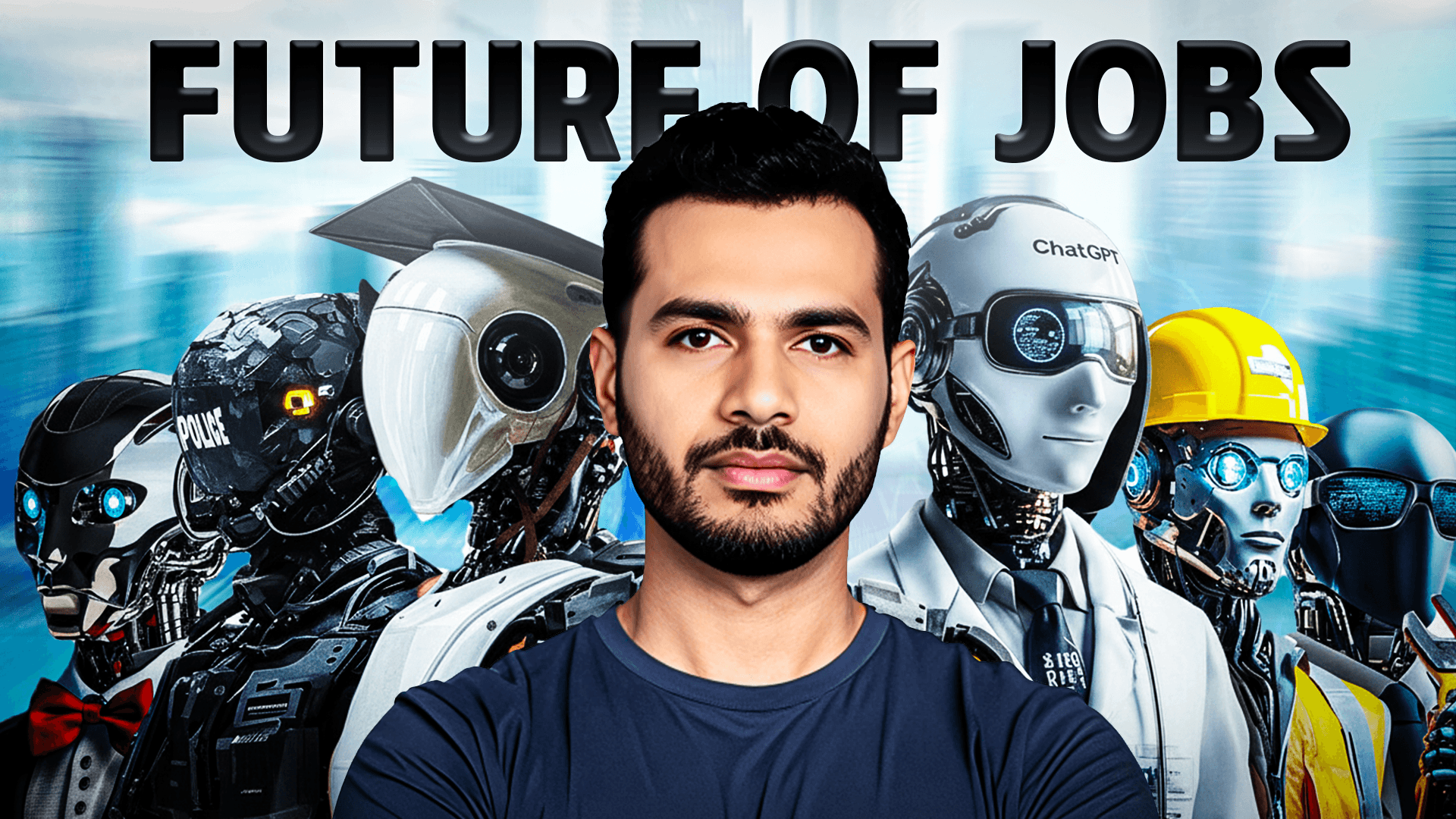
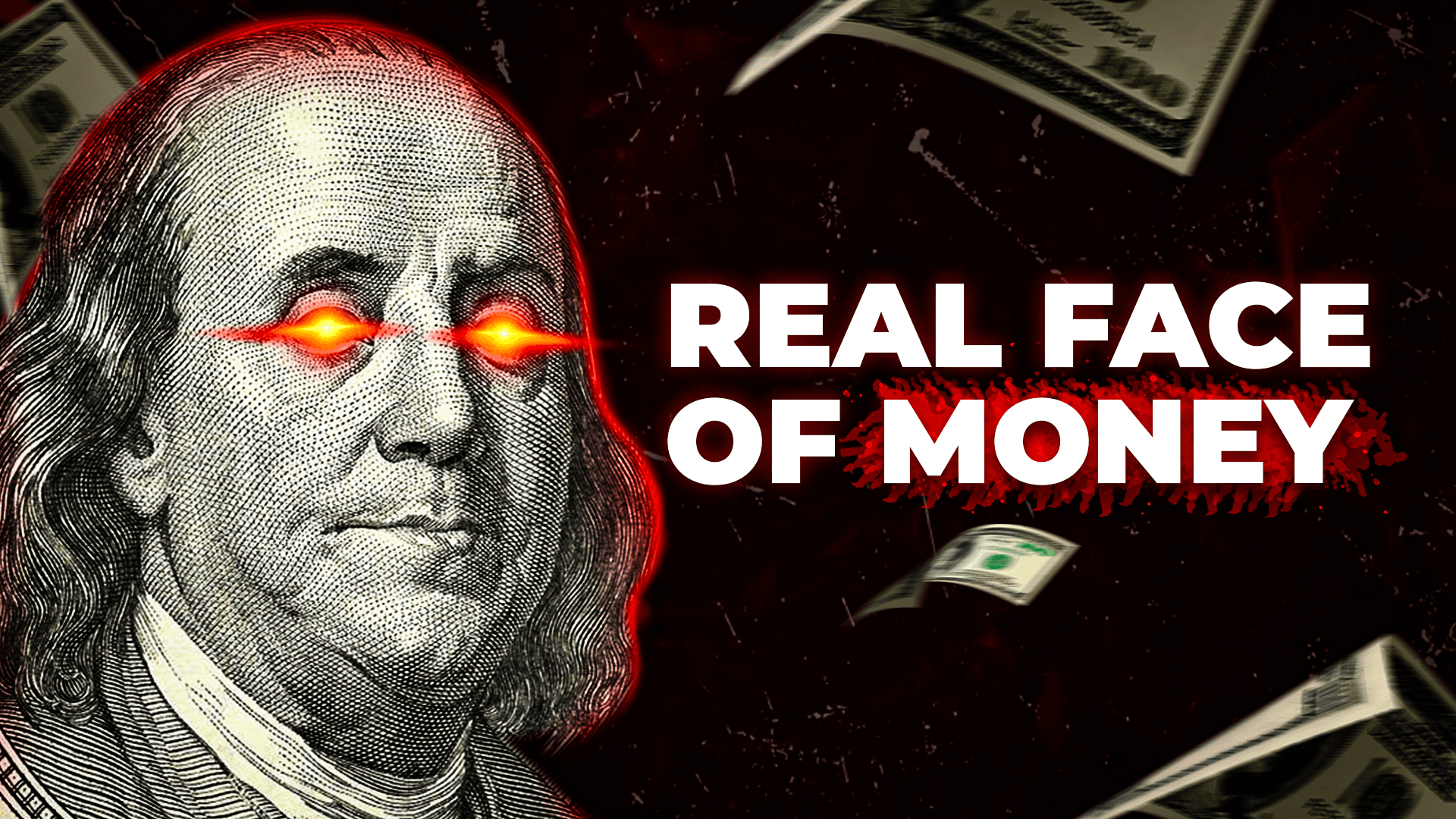
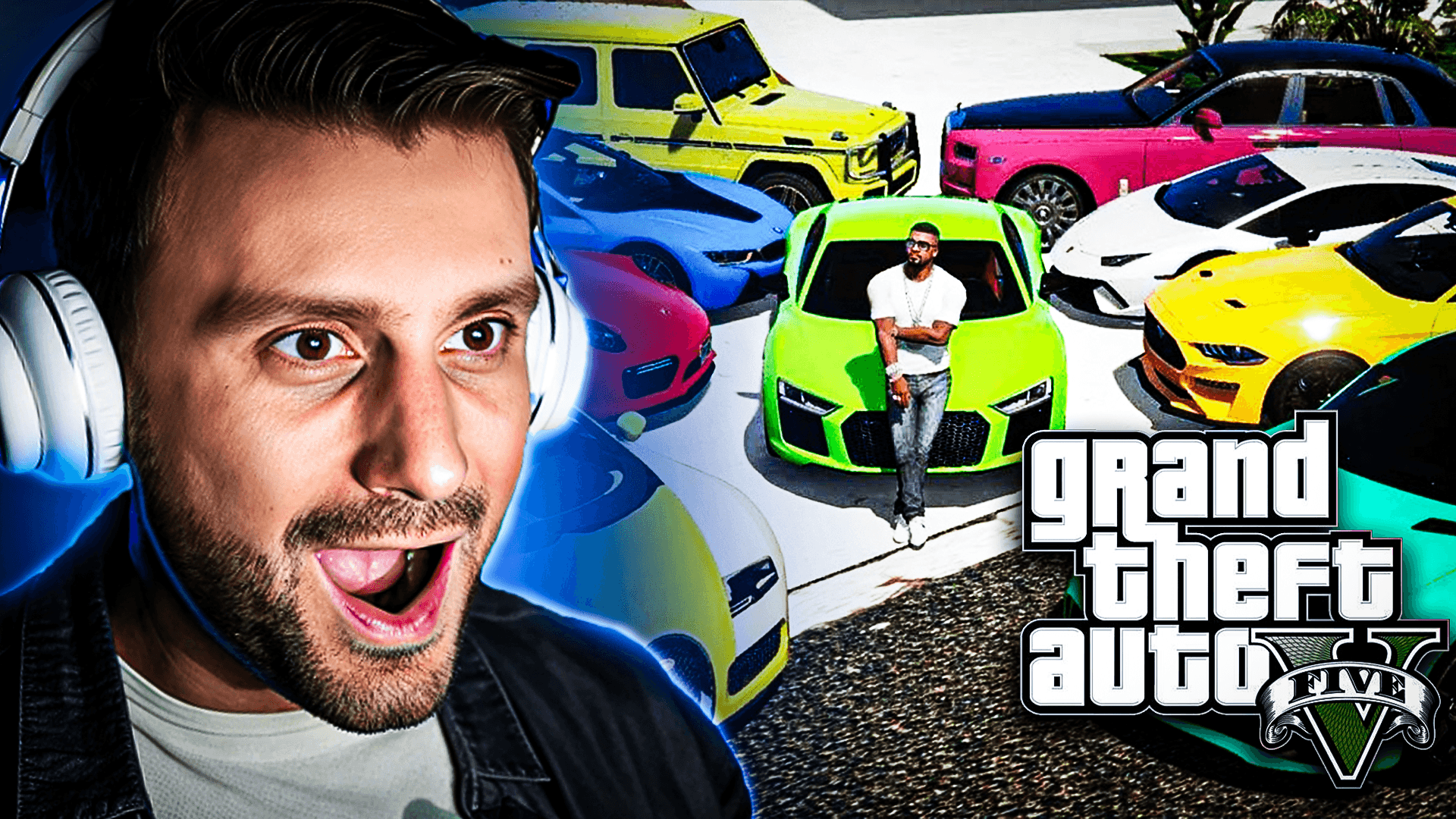
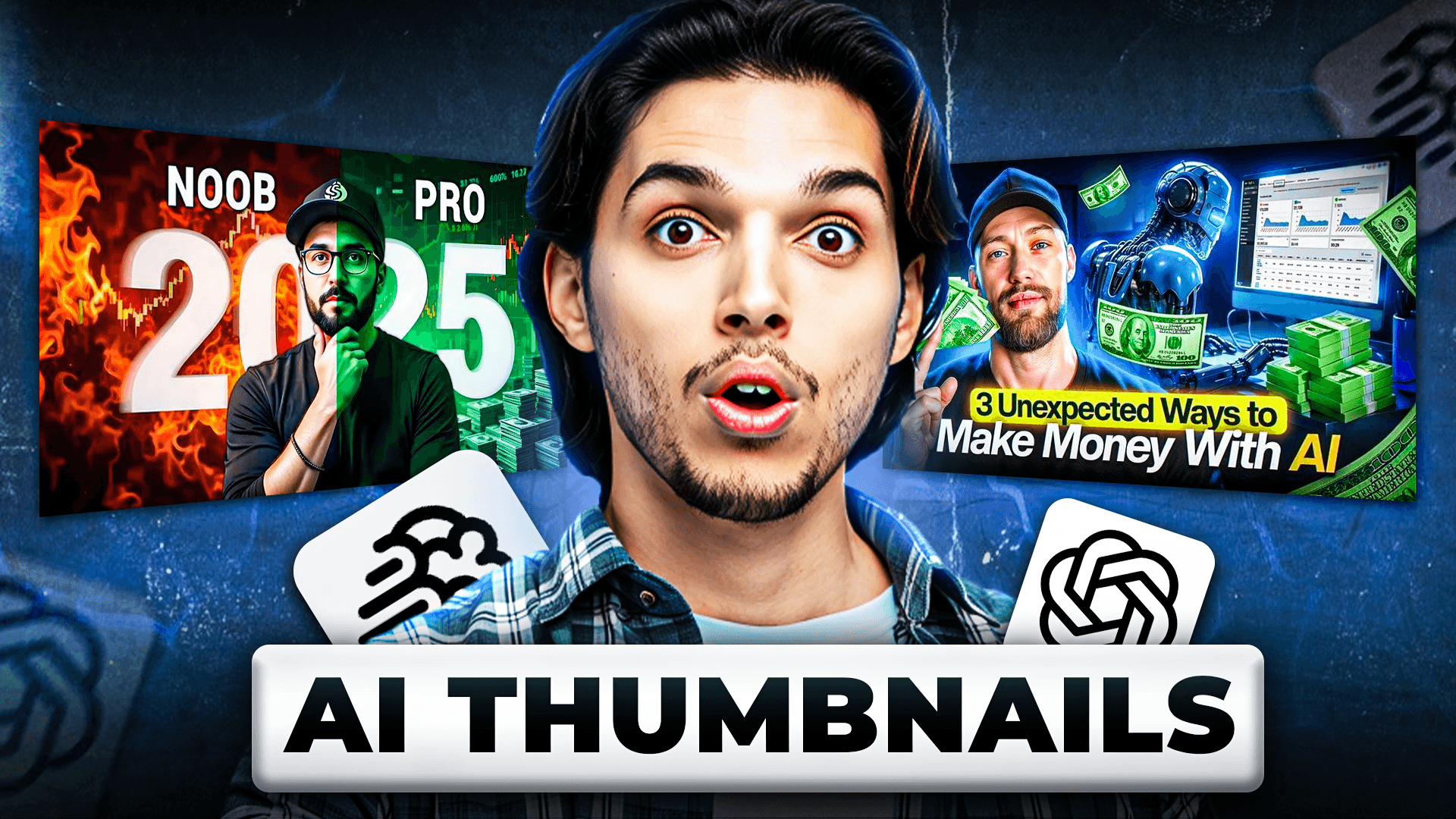
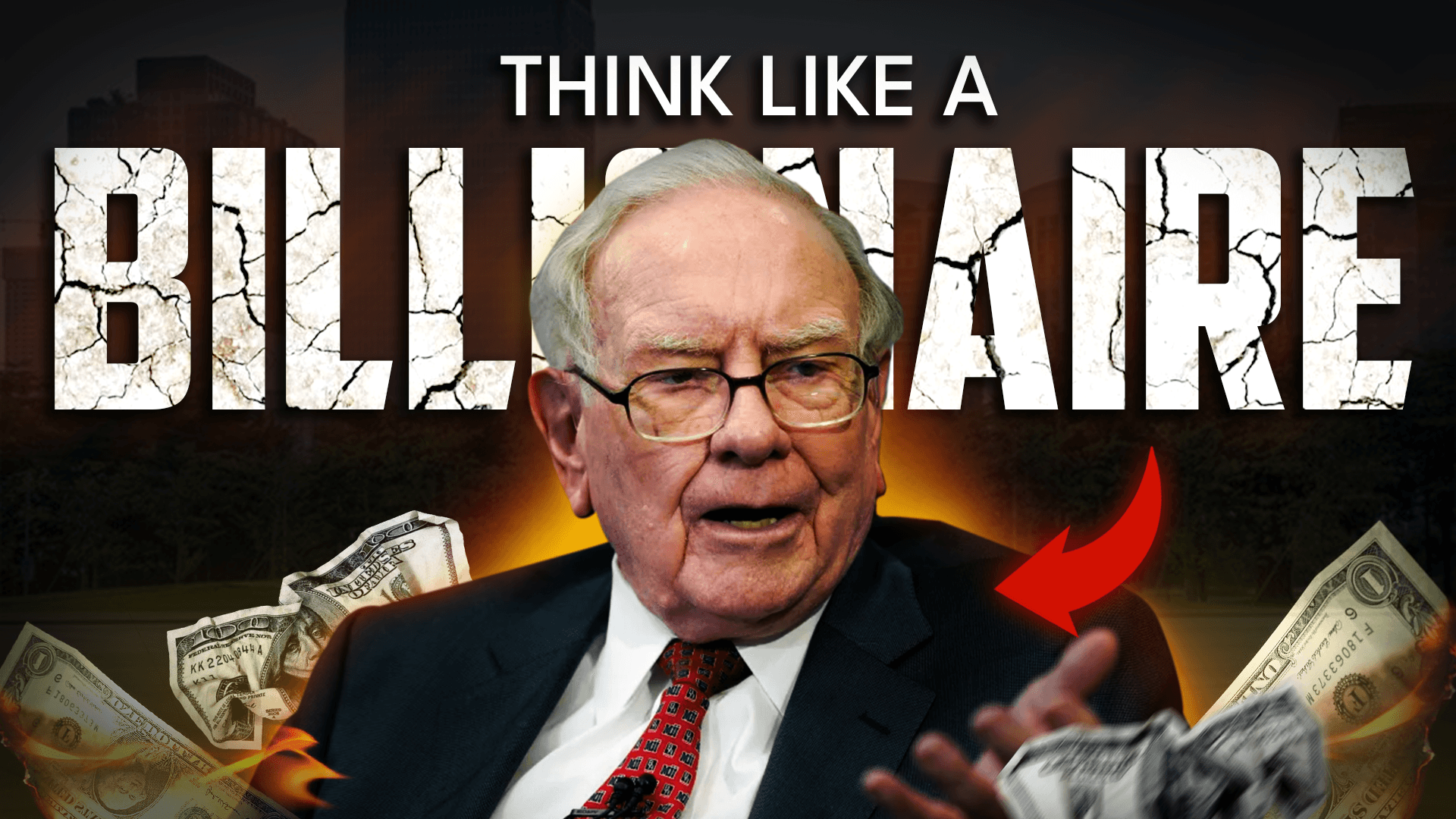
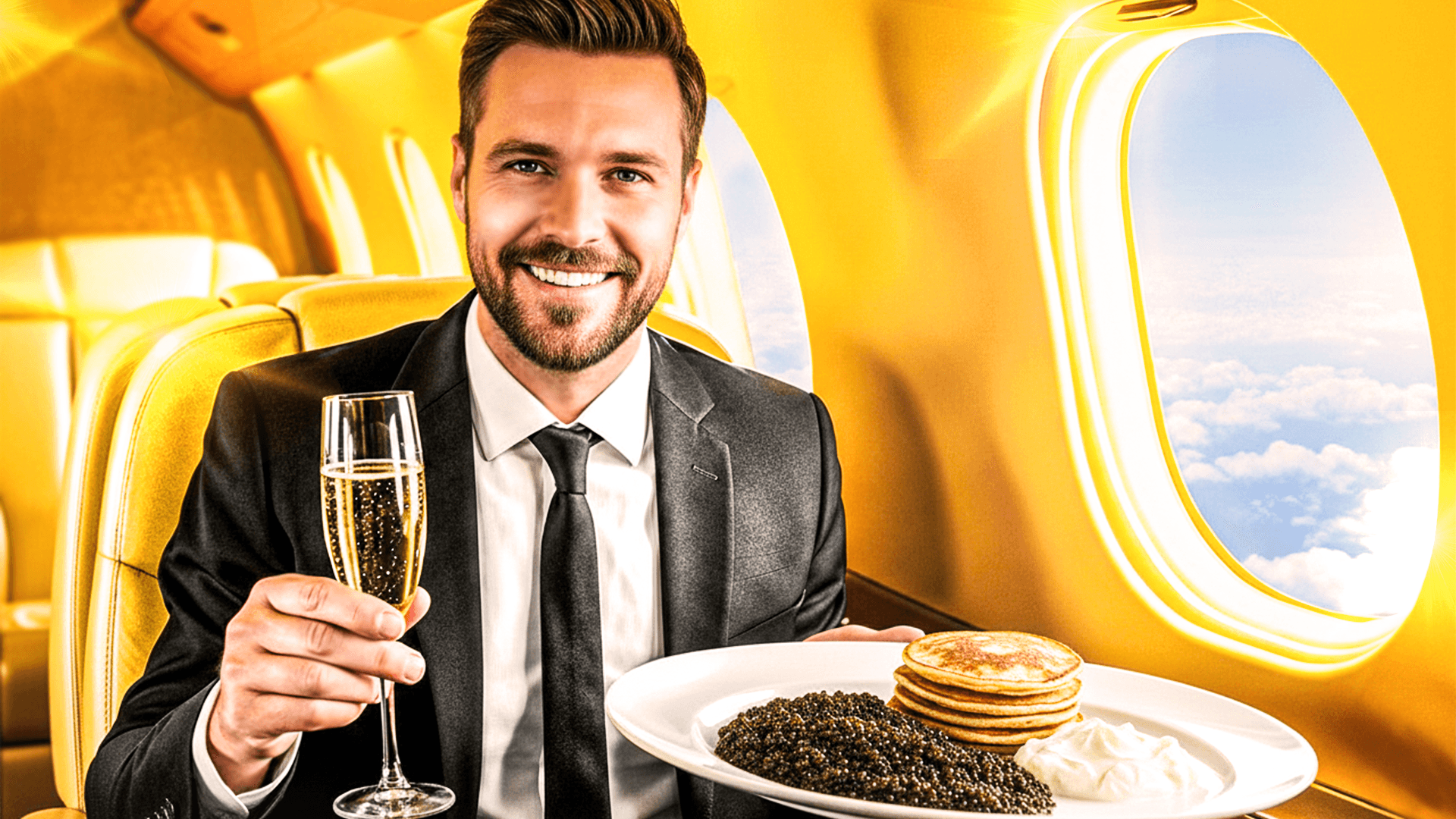

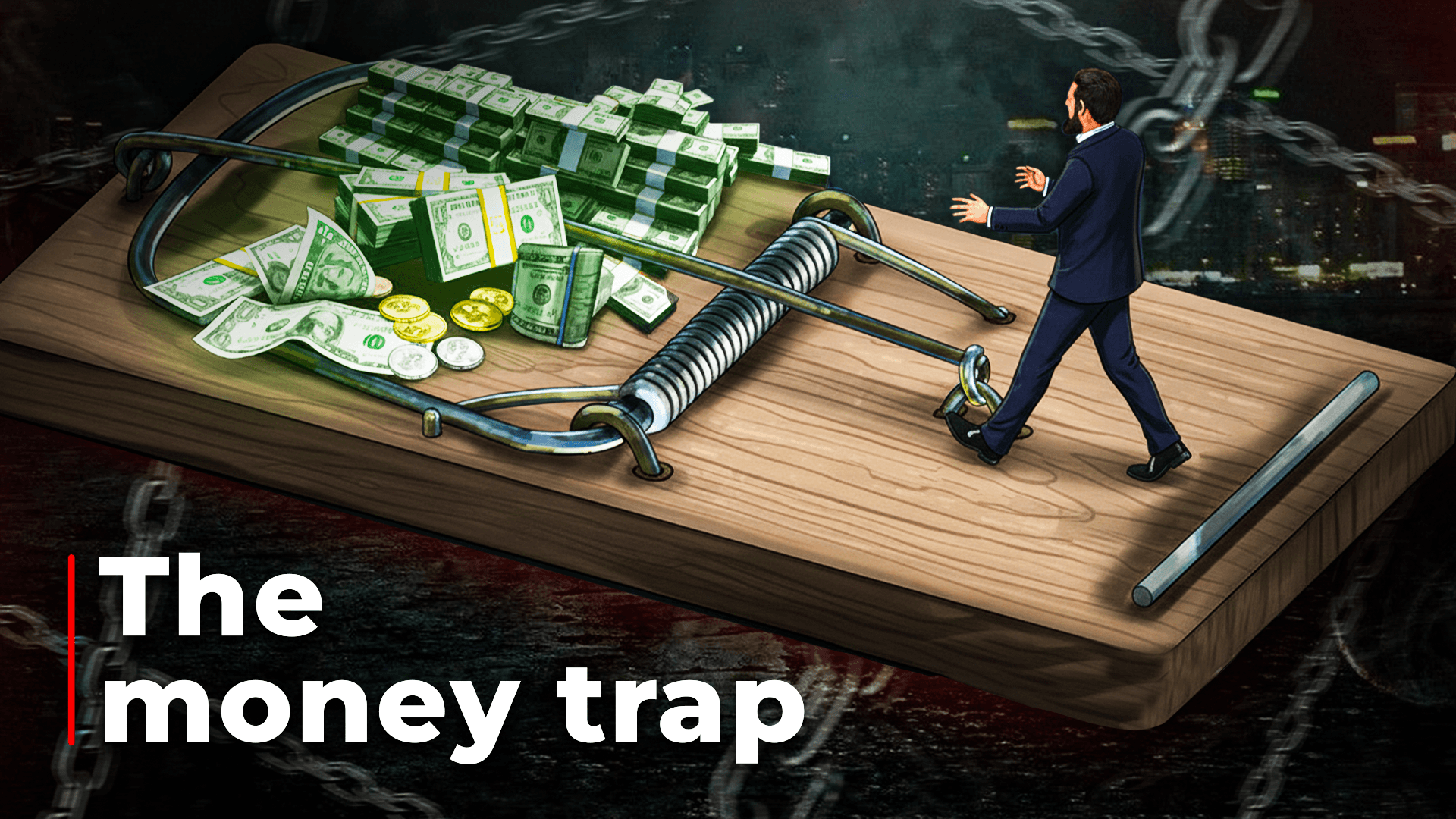
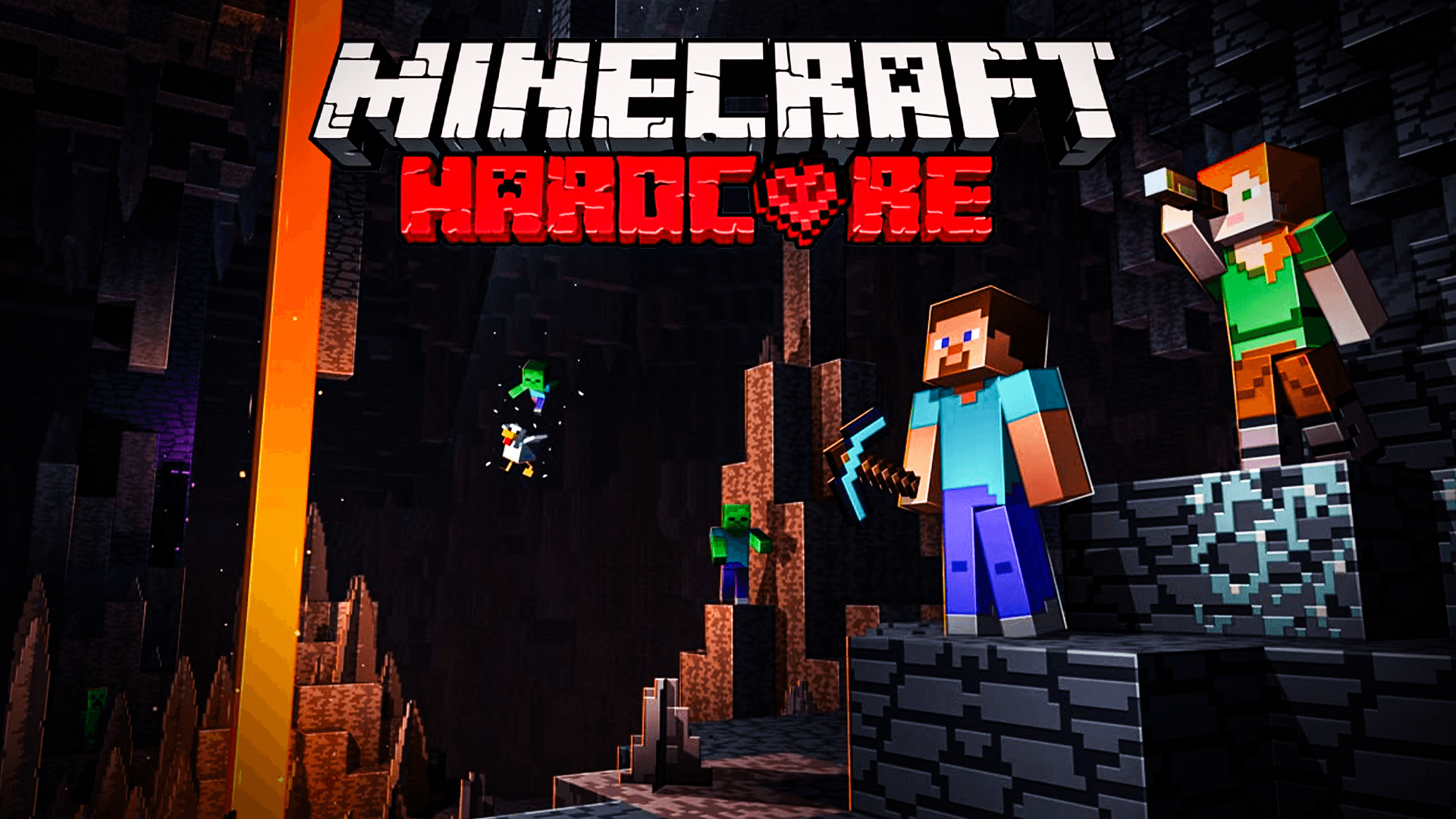
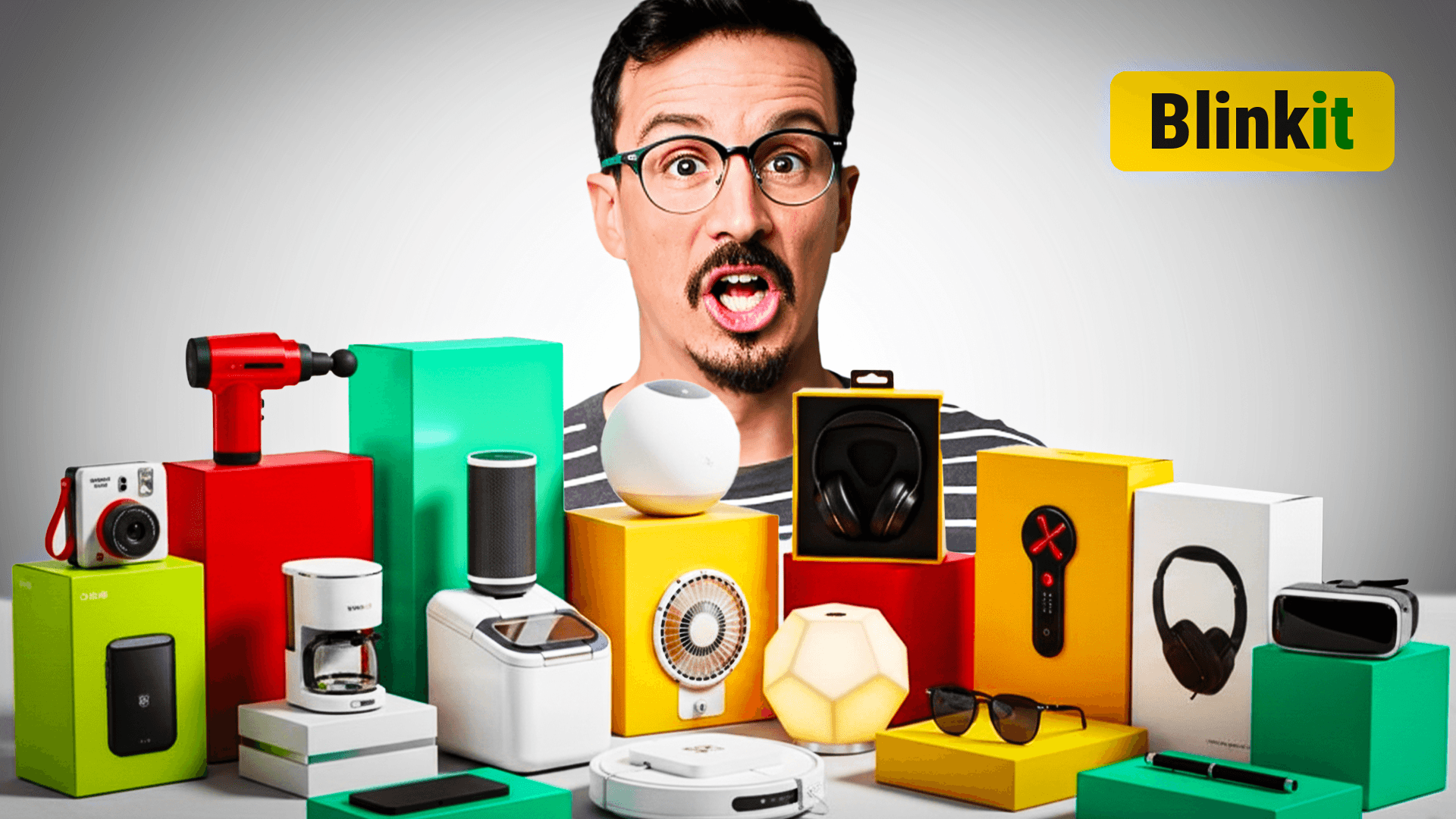
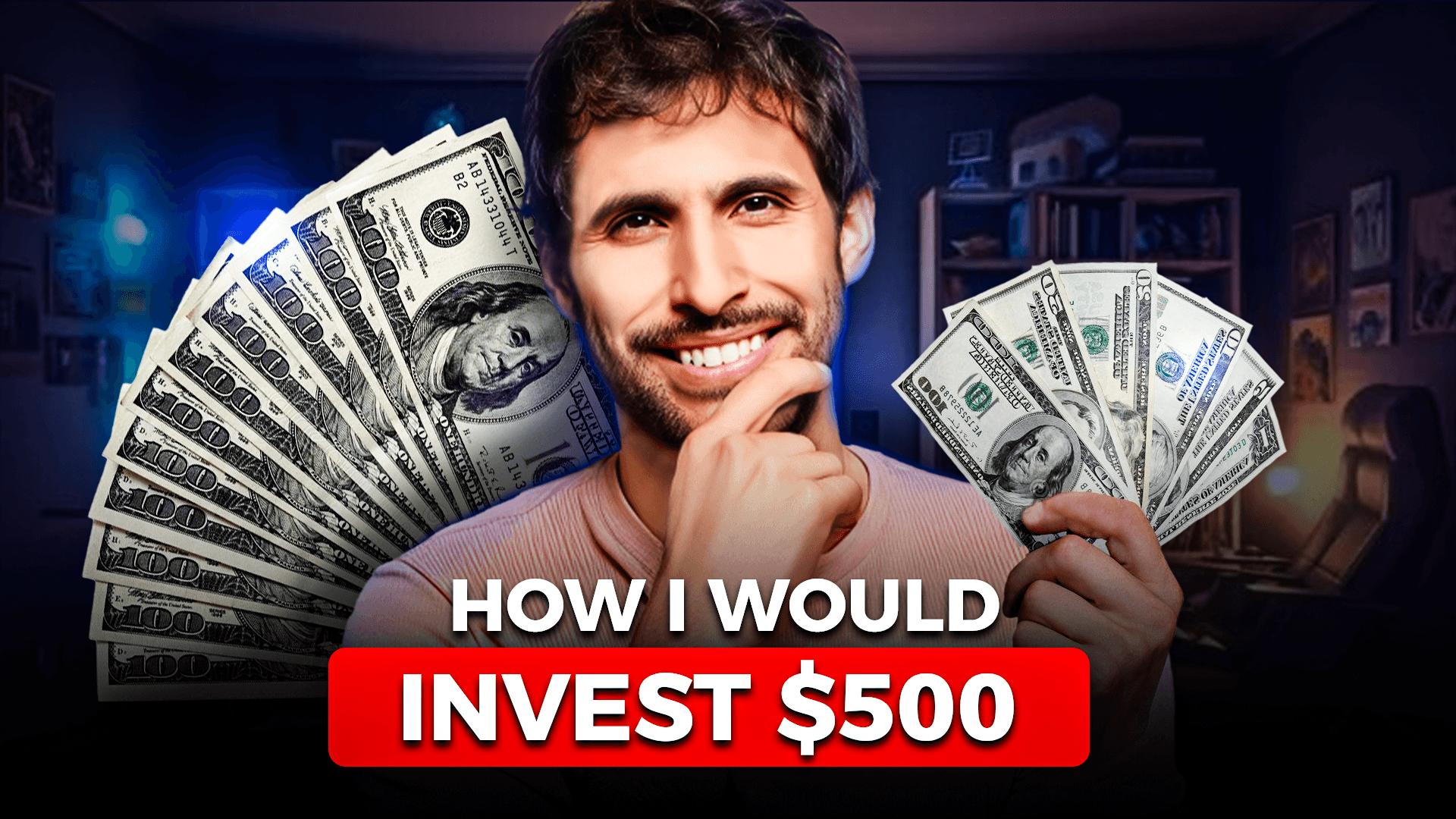
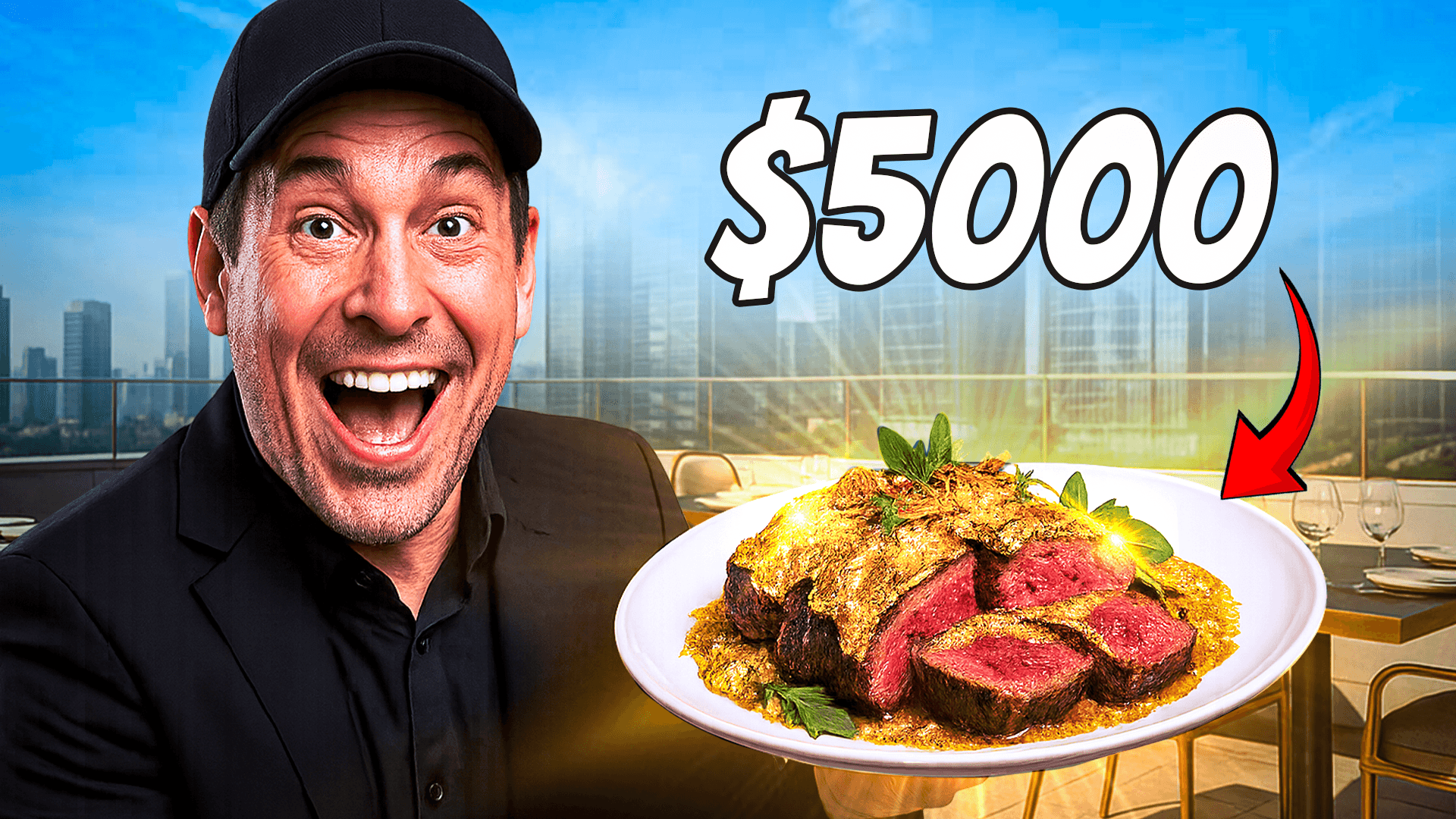
Pixel-perfect masking with edge refinement — impossible in Canva
Warm/cool contrast and complementary palettes graded per niche
Custom shadows, glows, outlines, and gradient fills on every text layer
Strategic placement of faces, text, and objects to direct the viewer's eye
The question isn't “Canva or Photoshop.” The question is: “Should I be designing thumbnails at all?”
Every hour spent designing thumbnails is an hour not spent scripting, filming, editing, or engaging your audience. Creators who outsource thumbnails consistently report higher output and faster channel growth.
Your thumbnail quality shouldn't depend on how tired you are at the end of an editing session. A dedicated Photoshop designer delivers consistent, high-CTR designs regardless of your schedule.
Neither Canva nor Photoshop tells you which thumbnail worked better. ThumbnailMate runs A/B tests on every video and uses CTR data to improve future designs — a feedback loop that compounds over time.
At $13-$15 per thumbnail, outsourcing costs less than one hour of most creators' time. Compare that to 45-90 minutes of Photoshop work per thumbnail — the math speaks for itself.
Get 3 free custom thumbnails — designed in Photoshop, not Canva templates. No commitment. No credit card. Just send a brief on WhatsApp.